Back to Gallery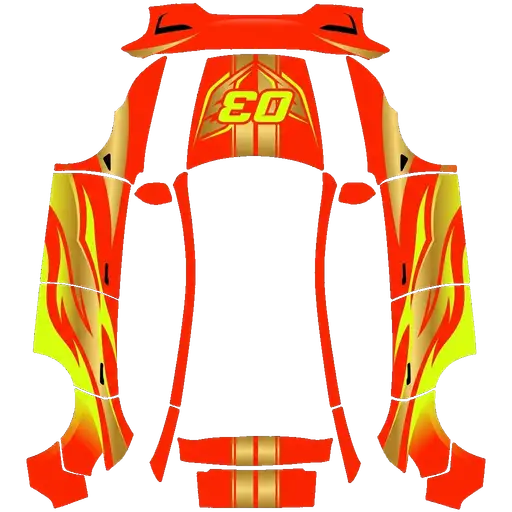
How to Install This Wrap on Your Tesla
Use a Custom Wrap
- 1
Download this Model Y (2025+) Premium design from this page. It is exported as a PNG that follows Tesla Paint Shop limits (512–1024 px and no more than 1 MB). Community designs consume the credit amount shown on the download button; your own designs are free.
- 2
Copy the downloaded PNG to a USB drive. Create a folder named Wraps in the root directory of the drive and place the file inside it.
- 3
In your Tesla, open Toybox, then Paint Shop, then the Wraps tab. Insert the USB drive and select your custom design.
USB Drive Setup for Tesla Wraps
Format the USB drive as one of the following file systems:
exFATFAT32MS-DOS FAText3ext4
Important: Tesla's Paint Shop feature does not currently support the NTFS file system.